Approvals
Understand approval categories, process approvals from the queue, enforce maker-checker controls, and review the complete audit trail.
Approvals
Approvals are a critical control mechanism in the Rent a Car CRM. They enforce maker-checker principles — the person who initiates an action is never the same person who approves it. This page covers approval categories, how to process approvals, and the audit trail behind every decision.
Approval Categories
The system supports multiple approval categories, each with its own rules, thresholds, and designated approvers.
| Category | What Requires Approval | Typical Approver | Threshold |
|---|---|---|---|
| Discount | Rental rate discounts beyond the standard allowance | Branch Manager | > 10% discount |
| Document Waiver | Waiving a required document (e.g., Emirates ID, license) | Compliance Manager | Any waiver |
| Deposit Release | Releasing a security deposit before full contract closure | Finance Supervisor | Any release |
| Refund | Refund to customer (overpayment, credit note, goodwill) | Finance Manager | > AED 500 |
| Corporate Account | New corporate account creation or credit limit changes | Sales Director | Any credit limit > AED 10,000 |
| Damage Liability | Liability decisions on damage assessments | Fleet Manager | > AED 2,000 |
| Fine Waiver | Waiving a traffic fine instead of billing to customer | Operations Manager | Any waiver |
| Write-Off | Writing off uncollectible balances | Senior Finance Manager | > AED 1,000 |
| Contract Extension | Free or discounted extensions beyond standard policy | Branch Manager | > 1 day free extension |
| Legal Escalation | Escalating a complaint or case to legal | Legal Manager | Any escalation |
Thresholds are configurable per tenant. A branch manager may be able to approve discounts up to 15% at one tenant, but only 5% at another. Always check your tenant's specific configuration under Settings → Approvals.
Approval Queue
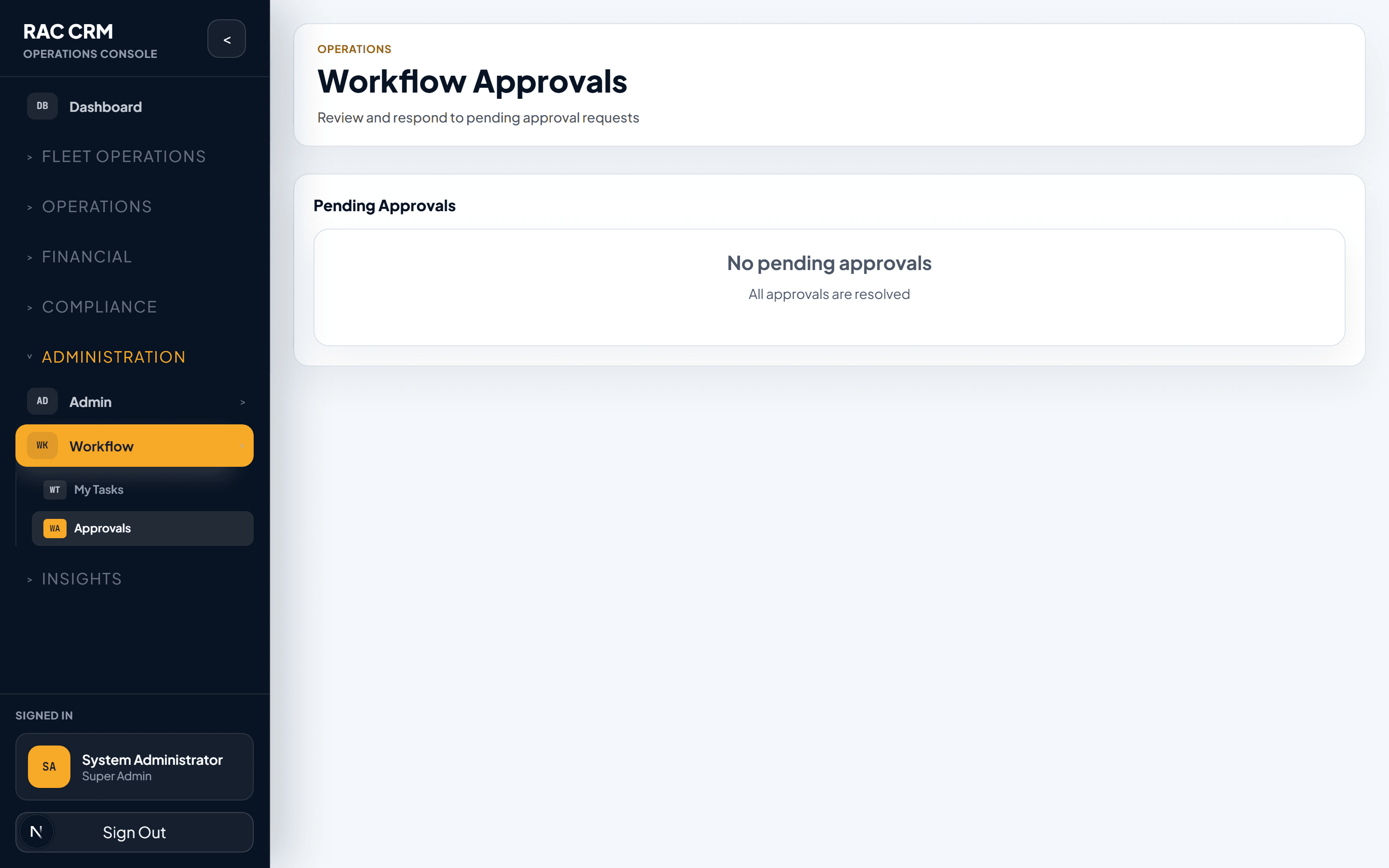
The approval queue is a centralized inbox for all pending approvals. Approvers see only the approvals they are authorized to process.
Queue Views
| View | Description |
|---|---|
| Pending My Approval | Approvals assigned to you, awaiting your decision |
| All Pending | All pending approvals across the organization (for senior approvers) |
| Approved by Me | Approvals you have already processed |
| Rejected by Me | Approvals you have rejected |
| Expired | Approvals that expired without a decision (if auto-expiry is configured) |
Queue Item Details
Each queue item displays:
| Field | Description |
|---|---|
| Category | The approval category (Discount, Refund, etc.) |
| Requested By | The staff member who initiated the action |
| Entity Type | What the approval relates to (Contract, Invoice, Customer, etc.) |
| Entity Reference | Document or case number |
| Branch | Branch context |
| Summary | Brief description of what is being requested |
| Amount | Financial amount (if applicable) |
| Submitted | When the approval was requested |
| SLA Due | When the approval must be decided by |
| Priority | Based on SLA urgency and business impact |
Processing an Approval
Approvers review the request, examine supporting evidence, and make a decision.
Step-by-Step: Process an Approval
Open the approval — Click on an item in your approval queue.
Review the request — The approval panel shows the full context: who requested it, what entity it relates to, the financial impact, and any supporting evidence.
Review supporting documents — Check attached evidence (photos, quotes, customer correspondence, etc.).
Make your decision — Click Approve or Reject.
Enter remarks (required) — Both approve and reject require a remark explaining the decision.
Confirm — The system records your decision, updates the entity status, creates an audit log entry, and notifies the requester.
Approval Decision Outcomes
| Decision | System Action | Audit Trail |
|---|---|---|
| Approved | The requested action proceeds (discount applied, refund processed, etc.) | approval_approved event logged |
| Rejected | The requested action is denied; status reverts or stays | approval_rejected event logged with reason |
An approval decision is final. Once approved or rejected, it cannot be undone. If a mistake is made, a new request must be submitted or a reversal must be initiated through the appropriate workflow.
Maker-Checker Enforcement
The maker-checker principle is a fundamental internal control. The system enforces it at every level.
Enforcement Rules
| Rule | Description |
|---|---|
| Self-approval blocked | The person who submits a request cannot approve their own request |
| Role segregation | Approvers must have a higher or different role than the requester |
| Branch isolation | A branch-level approver can only approve requests from their branch (unless cross-branch permission is granted) |
| Threshold escalation | If the amount exceeds the approver's authority, the request automatically escalates to the next level |
| Delegation | Approvers can delegate to another qualified person during absence, but delegation is audited |
Approval Authority Matrix
| Approval Level | Authority | Escalates To |
|---|---|---|
| Team Lead | Discounts ≤ 10%, refunds ≤ AED 500 | Branch Manager |
| Branch Manager | Discounts ≤ 20%, refunds ≤ AED 2,000 | Regional Manager |
| Regional Manager | Discounts ≤ 30%, refunds ≤ AED 10,000 | Operations Director |
| Operations Director | Discounts > 30%, refunds > AED 10,000 | CEO / Board (if configured) |
| Finance Manager | All financial approvals (independent track) | Senior Finance Manager |
| Compliance Manager | Document waivers and legal escalations | Legal Director |
The authority matrix is configurable per tenant. These are example thresholds — adjust them based on your organization's governance policy.
Audit Trail
Every approval action is recorded in the audit trail. This provides a complete, tamper-proof history of every decision.
Audit Record Fields
| Field | Description |
|---|---|
| Timestamp | Exact date and time of the decision |
| Approver | User who made the decision |
| Decision | Approved or Rejected |
| Remarks | The approver's written justification |
| Entity Type | What was being approved |
| Entity ID | The specific record |
| Requester | Who originally submitted the request |
| Amount | Financial amount (if applicable) |
| IP Address | Network address of the approver's session |
| Previous Status | Entity status before the approval |
| New Status | Entity status after the approval |
Viewing the Audit Trail
Navigate to the entity — Open the contract, invoice, complaint, or other record.
Click "Audit Trail" or "Timeline" — A chronological view of all actions appears.
Filter by approval actions — Use the filter to show only approval-related entries.
Expand individual entries — Click to see the full details including remarks and IP address.
Approval Notifications
The system sends notifications at key approval milestones.
| Event | Notification Recipient | Channel |
|---|---|---|
| Approval requested | The designated approver(s) | In-app, email |
| Approval SLA warning (50% elapsed) | The designated approver(s) | In-app |
| Approval SLA breached | The approver + their manager | In-app, email |
| Approval approved | The original requester | In-app, email |
| Approval rejected | The original requester | In-app, email |
| Approval delegated | The delegate + original approver | In-app |
Common Tasks
| Task | Where | Permission Required |
|---|---|---|
| View approval queue | Workflows → Approvals | workflow:approve |
| Approve a request | Approval detail → Approve | workflow:approve |
| Reject a request | Approval detail → Reject | workflow:reject |
| Delegate approvals | Profile → Delegation Settings | workflow:delegate |
| View approval audit trail | Entity detail → Audit Trail | workflow:view_audit |
| Configure approval rules | Settings → Approvals | workflow:configure |
Related Pages
- Workflow Tasks — The broader task management system
- Workflow Configuration — How to configure approval rules and thresholds
- Invoicing & Billing — Refund and credit note approvals