Operations Hub
Central overview of all operational queues, task types, and daily workflows for Rent a Car branch staff.
Welcome to Operations
The Operations Hub is your daily command center. Every task that keeps vehicles moving, customers satisfied, and revenue flowing surfaces here as a manageable queue. This section covers reservation fulfillment, vehicle handovers, customer collections, and self-service portal management.
Tip: Bookmark your most-used queue. Most branch staff spend 80% of their time in two queues: Unassigned and Delivery.
What's in This Section
| Section | Purpose | Primary Audience |
|---|---|---|
| Unassigned | Match reservations to available vehicles | Fleet desk, branch managers |
| Cancellations | Process cancellations, enforce policies, issue refunds | Branch managers, billing |
| Delivery | Fulfill customer delivery tasks | Drivers, logistics coordinators |
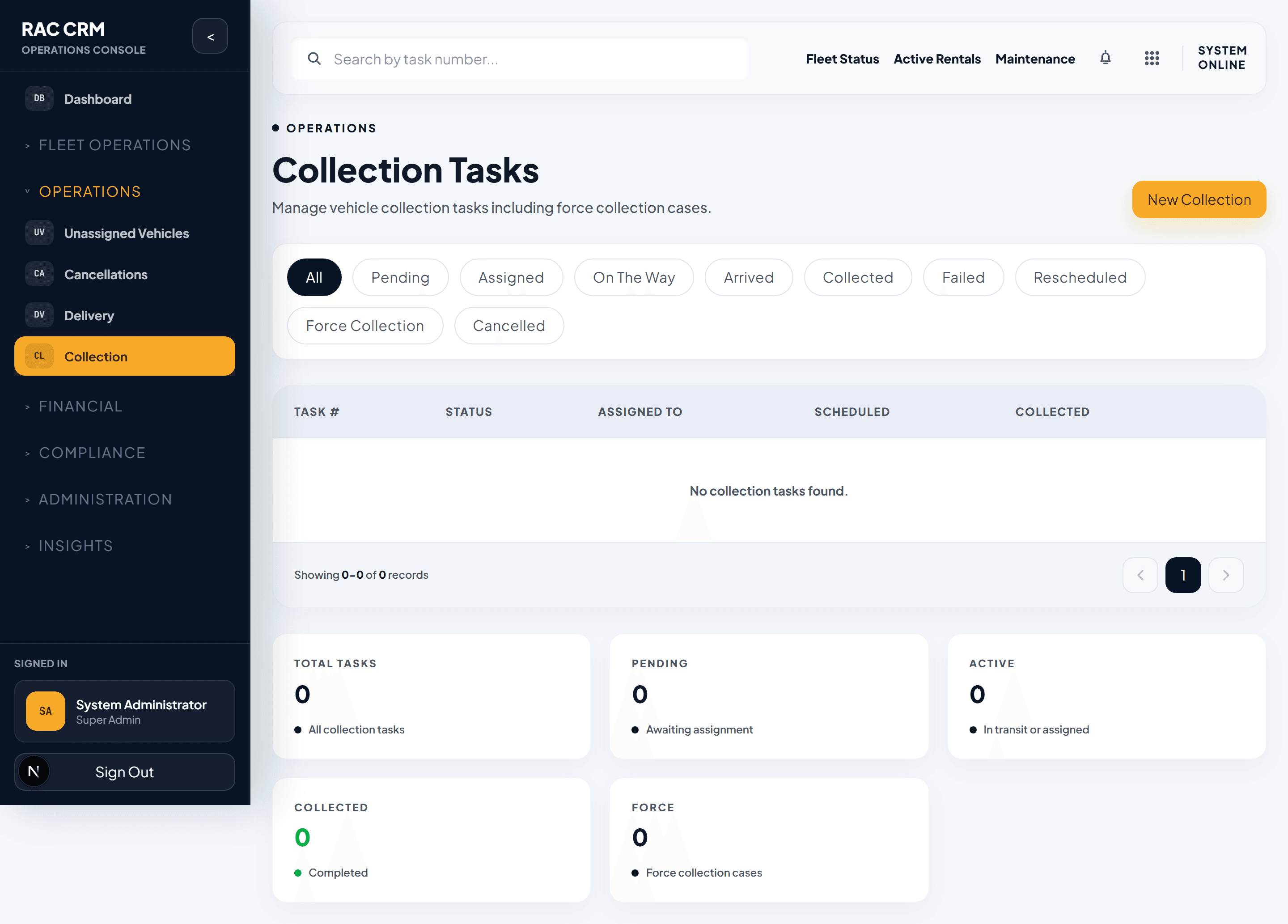
| Collections | Retrieve vehicles at contract end | Drivers, collections team |
| Portal | Manage customer self-service registrations | Customer service, IT |
Operational Queues at a Glance
Every morning, check these queues in order. Each row shows the queue name, where to find it, and what it means when the count is high.
| Queue | Location | What It Tracks | High Count Means |
|---|---|---|---|
| Unassigned | Operations → Unassigned | Reservations without a vehicle assigned | Fleet shortage or slow dispatch |
| Cancellations | Operations → Cancellations | Pending cancellation requests | Policy disputes or process delays |
| Delivery — Pending | Operations → Delivery | Deliveries not yet dispatched | Driver capacity issue |
| Delivery — On the Way | Operations → Delivery | Deliveries en route | Normal — monitor ETAs |
| Collection — Pending | Operations → Collections | Collections not yet dispatched | Overdue vehicles piling up |
| Force Collection | Operations → Collections | Vehicles requiring forced retrieval | High risk — escalate immediately |
| Late Events | Operations → Collections | Vehicles returned late | Revenue impact — bill per policy |
| Payment Exceptions | Billing → Exceptions | Failed or disputed payments | Cash flow risk — follow up daily |
| Document Verifications | Compliance → Documents | Uploaded docs awaiting review | Backlog in compliance queue |
| Vehicle Assignments | Fleet → Assignments | Fleet awaiting assignment decisions | Supply-demand imbalance |
Daily Workflow for Branch Staff
Follow this sequence every business day:
Step 1 — Check the Unassigned Queue
Open Operations → Unassigned. Reservations listed here need a vehicle matched before the pickup or delivery window.
- Sort by Pickup Date (earliest first).
- Click a reservation to view requirements (category, transmission, extras).
- Click Suggest Vehicle to see system recommendations.
- Click Assign to confirm.
Rule: A reservation must be assigned at least 2 hours before its pickup window or it enters SLA breach.
Step 2 — Review Delivery Tasks
Open Operations → Delivery. Filter by status Pending to see tasks awaiting driver assignment.
- Assign a driver from the available pool.
- Confirm the delivery address and time slot.
- The driver receives the task on their mobile app.
Step 3 — Review Collections
Open Operations → Collections. Check for:
- Pending — standard end-of-contract retrievals.
- Force Collection — overdue vehicles requiring immediate action.
- Late Events — vehicles returned past due.
Step 4 — Clear Document Verifications
Open Compliance → Document Verifications. Process any pending customer or driver document uploads.
Step 5 — Review Payment Exceptions
Open Billing → Payment Exceptions. Follow up on failed charges, disputed amounts, or expired cards.
SLA Thresholds
The system tracks SLA for every operational task. Breaches generate alerts to branch managers.
| Task Type | SLA Warning | SLA Breach | Escalation |
|---|---|---|---|
| Vehicle Assignment | 1 hour before pickup | At pickup time | Branch manager |
| Delivery Task | 30 min before window | At window start | Logistics lead |
| Collection Task | 2 hours before due | At contract end + 1 hour | Collections supervisor |
| Force Collection | Immediate | 4 hours | Operations director |
| Document Verification | 24 hours | 48 hours | Compliance officer |
| Cancellation Processing | 4 hours | 24 hours | Branch manager |
Key Metrics
Track these metrics weekly to measure operational health:
| Metric | Target | Why It Matters |
|---|---|---|
| Assignment Rate (within SLA) | > 95% | Customers get vehicles on time |
| Delivery Success Rate | > 98% | Fewer failed handovers |
| Collection On-Time Rate | > 90% | Reduces revenue leakage |
| Cancellation Processing Time | < 4 hours | Customer satisfaction |
| Document Verification Time | < 24 hours | Reduces booking delays |
| Force Collection Resolution | < 48 hours | Asset recovery |
Callout: Escalation Rules
Force Collection and Late Event queues must be reviewed by a supervisor within 4 hours. Unaddressed items in these queues directly impact vehicle availability and revenue.
Use the Operations → Reports section to generate weekly performance summaries for branch review meetings.